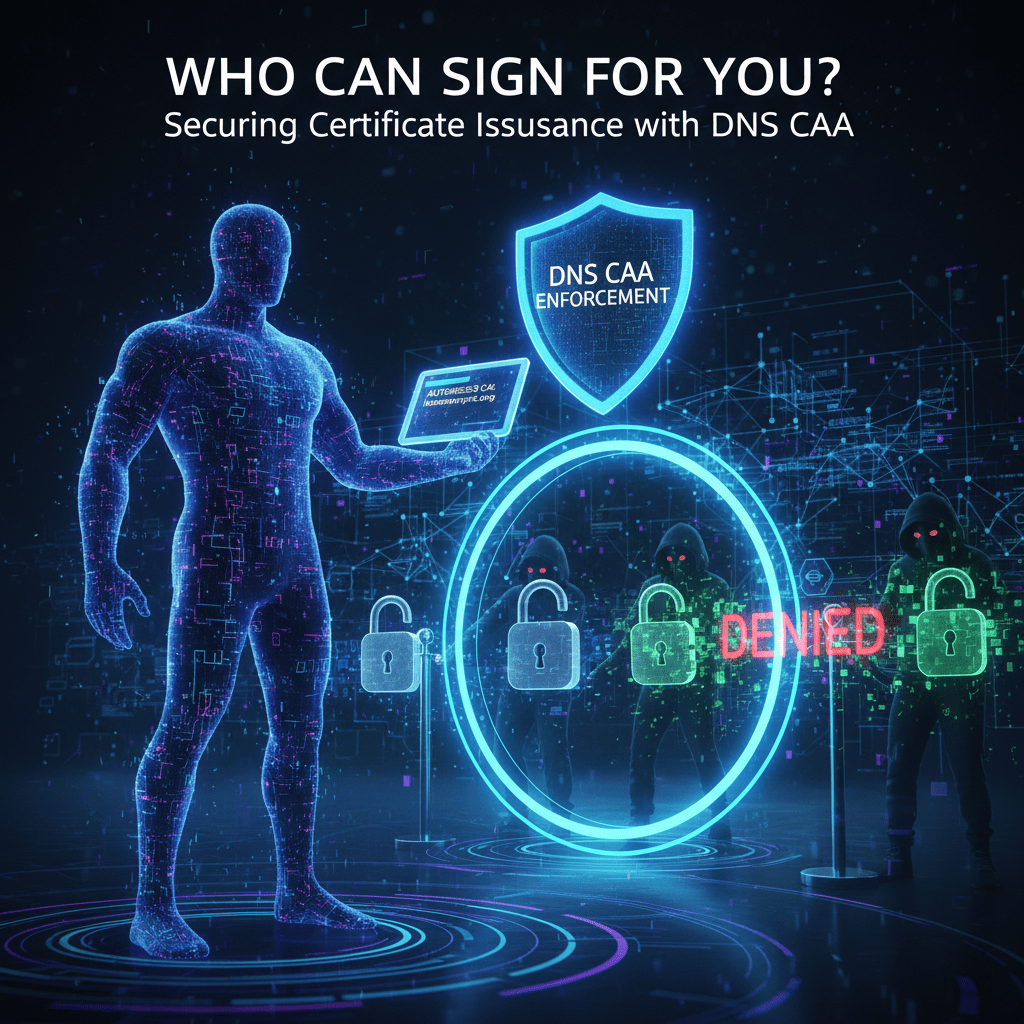
1The Hidden Blind Spot in SSL/TLS
Most organizations evaluate their SSL posture by looking at their own certificates: Is the cert valid? Is it expiring soon? Is the algorithm strong enough? These are the right questions — for the certificates they know about. The blind spot is everything else.
The public key infrastructure (PKI) that underpins HTTPS is built on trust in certificate authorities. Browsers ship with a list of trusted CAs — typically over 100 organizations across dozens of countries. Every single one of them has the cryptographic authority to issue a certificate foryour domain,without your knowledge or consent.
The passport analogy
Imagine any government office, anywhere in the world, could reissue your passport without checking your country's central registry. A foreign government — or a private notary who purchased the right — could produce a document indistinguishable from the real one. That document would be accepted at every border crossing. This is exactly how SSL certificate issuance works without CAA records.
Dutch CA compromised by Iranian state actors. Fraudulent certificates were issued for google.com, *.google.com, and other high-value domains. DigiNotar was removed from all browser trust stores within days - taking every legitimate cert they had ever issued offline with them.
China's main CA authority issued mis-issued certificates for domains they had no authority over. Google and Mozilla removed them from trust stores following investigation.
Google found evidence of Symantec mis-issuing thousands of certificates, including for domains owned by other organizations. The CA was distrusted progressively across Chrome releases.
You cannot control which CAs get compromised. You can control which ones have authority over your domain.
A rogue certificate for your domain is a signed, trusted, browser-accepted credential. Any attacker holding one can intercept your users' traffic, impersonate your login pages, and sign software updates — with no user-visible warning. CAA records do not prevent a CA from being compromised; they prevent a compromised CA from issuing for your domain.
2Enter DNS CAA — The Digital Bouncer
Certificate Authority Authorization (CAA), standardized inRFC 8659, is a DNS record type that publishes a whitelist of certificate authorities authorized to issue certificates for your domain. Any CA not on the list is prohibited from issuing — regardless of who requests it.
How it works in practice
When a CA receives a certificate request forexample.com, it must query the CAA records for that domain before proceeding. If the records exist and do not list that CA, the issuance request isrejected.The CA is not optional. It is a mandatory pre-issuance check enforced by the CA/Browser Forum baseline requirements.
The 2017 Mandate
September 8, 2017
The CA/Browser Forum made CAA record checkingmandatoryfor all publicly trusted certificate authorities. Any CA that issues a certificate without checking CAA records is in violation of the Baseline Requirements and risks being removed from browser trust stores.
The consequence for non-compliance
A CA removed from Chrome or Firefox trust stores immediately invalidates every certificate it has ever issued — for all customers, globally. This makes CAA compliance a matter of survival for CAs, not just a best practice.
3Anatomy of a CAA Record
A CAA record has three components: a flag (always0for standard use), a tag (the directive type), and a value (the parameter). There are three tags in active use:
Authorize a CA for standard certificates
Theissuetag authorizes a specific CA to issue single-domain and SAN certificates for your domain. You can have multipleissuerecords to allow more than one CA.
example.com. CAA 0 issue "letsencrypt.org"example.com. CAA 0 issue "digicert.com"To deny all CAs: set the value toissue ";"— a semicolon with no CA name. This is useful for domains that should never have a certificate issued (internal-only or parked domains).
The wildcard lock — your most critical control point
Theissuewildtag controls which CAs may issuewildcard certificates(*.example.com). If not specified, theissuepolicy applies to wildcards as well. Explicitly restricting it prevents any team member or shadow IT project from obtaining a wildcard certificate through an unauthorized provider.
example.com. CAA 0 issue "letsencrypt.org"example.com. CAA 0 issuewild "digicert.com"# Only DigiCert can issue *.example.com — Let's Encrypt cannotWhy this matters for shadow IT: a developer who sets up*.staging.example.comvia an unapproved provider will be blocked at the CA level ifissuewild restricts issuance to your approved vendor.
The silent alarm — incident reporting
Theiodeftag configures an incident reporting endpoint. When a CA receives a request it cannot fulfill due to your CAA policy, itsends you an incident report— by email or to an HTTPS endpoint. This transforms a blocked attempt into actionable intelligence: who requested a cert for your domain, from which CA, and when.
example.com. CAA 0 issue "letsencrypt.org"example.com. CAA 0 issuewild ";"example.com. CAA 0 iodef "mailto:security@example.com"# Unauthorized issuance attempts trigger an email to security@example.com4Why Compliance Audits Now Require CAA
CAA records have moved from a security best practice to a compliance requirement. Three distinct risk vectors have driven this shift:
Shadow IT Certificate Prevention
Marketing teams, product squads, and external agencies regularly provision SSL certificates on platforms outside the security team's visibility — AWS Certificate Manager, Cloudflare, GoDaddy. Each one represents an unauthorized credential for your domain. CAA records enforce your vendor policy at the infrastructure level: if the CA is not on the approved list, the certificate cannot be issued, regardless of who requests it.
Supply Chain Attack Mitigation
A compromised CA is a supply chain attack vector. If an attacker compromises a CA that is not on your CAA whitelist, they cannot obtain a certificate for your domain — your CAA record enforces the restriction even against a CA that technically has the cryptographic capability to issue. This is particularly relevant for domains processing financial data, credentials, or regulated personal information.
Audit Readiness — SOC 2, ISO 27001 & ANSSI
SOC 2 Type II audits under the CC6 (Logical and Physical Access) control family evaluate whether organizations restrict who can act as an authoritative identity provider. CAA records are the DNS-level answer to this control. The ANSSI (France's national cybersecurity agency) explicitly references CA authorization controls in their domain hardening guidelines. Auditors increasingly flag missing CAA records as an open governance finding.
CAA records apply to the entire DNS tree.
If no CAA record exists atsub.example.com, the CA walks up the DNS tree toexample.comand applies that record instead. A single CAA record at the apex domain protects the entire domain hierarchy — no per-subdomain configuration required, unless you want different CAs on specific subdomains.
5Implementing and Monitoring with DomainRisk
DomainRisk.io checks your CAA configuration on every scan and contributes the result to your Governance sub-score — the dimension of your security report that evaluates how much control you have over your domain's identity and certificate lifecycle.
CAA record presence
Missing = open authorityThe scanner queries your apex domain for CAA records. Absence is flagged as a medium-to-high finding depending on your domain risk profile - any CA in the world can issue without restriction.
Authorized CA whitelist
Whitelist auditedThe resolved CAA records are parsed and authorized CAs are listed. Findings are raised when the list is overly permissive or does not match your expected certificate issuer.
issuewild directive
Wildcard scope confirmedissuewild is evaluated independently from issue. If wildcard certs are in use, missing or inconsistent wildcard policy is flagged.
iodef reporting
Reporting configuredThe iodef tag is a positive signal. If missing, it is usually treated as low severity but recommended for audit and incident response workflows.
Recommended configuration
If you use Let's Encrypt (the most common free CA), here is the full recommended CAA configuration for a production domain:
yourdomain.com. CAA 0 issue "letsencrypt.org"
yourdomain.com. CAA 0 issuewild ";"
yourdomain.com. CAA 0 iodef "mailto:security@yourdomain.com"
| Record | What it does |
|---|---|
issue "letsencrypt.org" | Only Let's Encrypt may issue standard certificates for your domain. |
issuewild ";" | No CA may issue wildcard certificates. Add your preferred CA here if you use wildcards in production. |
iodef "mailto:security@yourdomain.com" | Unauthorized issuance attempts are reported to your security inbox. Replace with an HTTPS endpoint if you have a SIEM that accepts webhook reports. |
Is your domain's certificate authority wide open?
Get a complete Audit Report — CAA records, SSL/TLS chain, HSTS enforcement, DMARC, MTA-STS and 30+ additional risk factors — in under 60 seconds. Free scan, no credit card required.
6Conclusion: Total Domain Governance
The three-layer domain security model
SSL/TLS
Encrypts the connection once established
HSTS
Forces the encrypted channel from the first request
CAA
Controls who can issue the certificate in the first place
SSL encrypts. HSTS enforces. CAA authorizes. Each layer addresses a distinct phase of the attack surface: the cryptographic channel, the protocol negotiation, and the identity supply chain. Deploying all three closes a loop that most organizations leave open at the first or second layer.
CAA records take less than five minutes to add to your DNS zone. The governance benefit — knowing exactly who can issue credentials for your domain, and being notified when someone unauthorized tries — is immediate and permanent. Run a CAA audit on DomainRisk.io to see your current authorization posture and exactly which changes to make.